
Architecture Patterns: A Complete Reference Map for Modern Systems
A detailed architecture patterns guide covering deployment, security, gateways, reliability, distributed systems, messaging, data, backend structure, and frontend architecture with practical examples and tradeoffs.
Published on 11 apr 2026
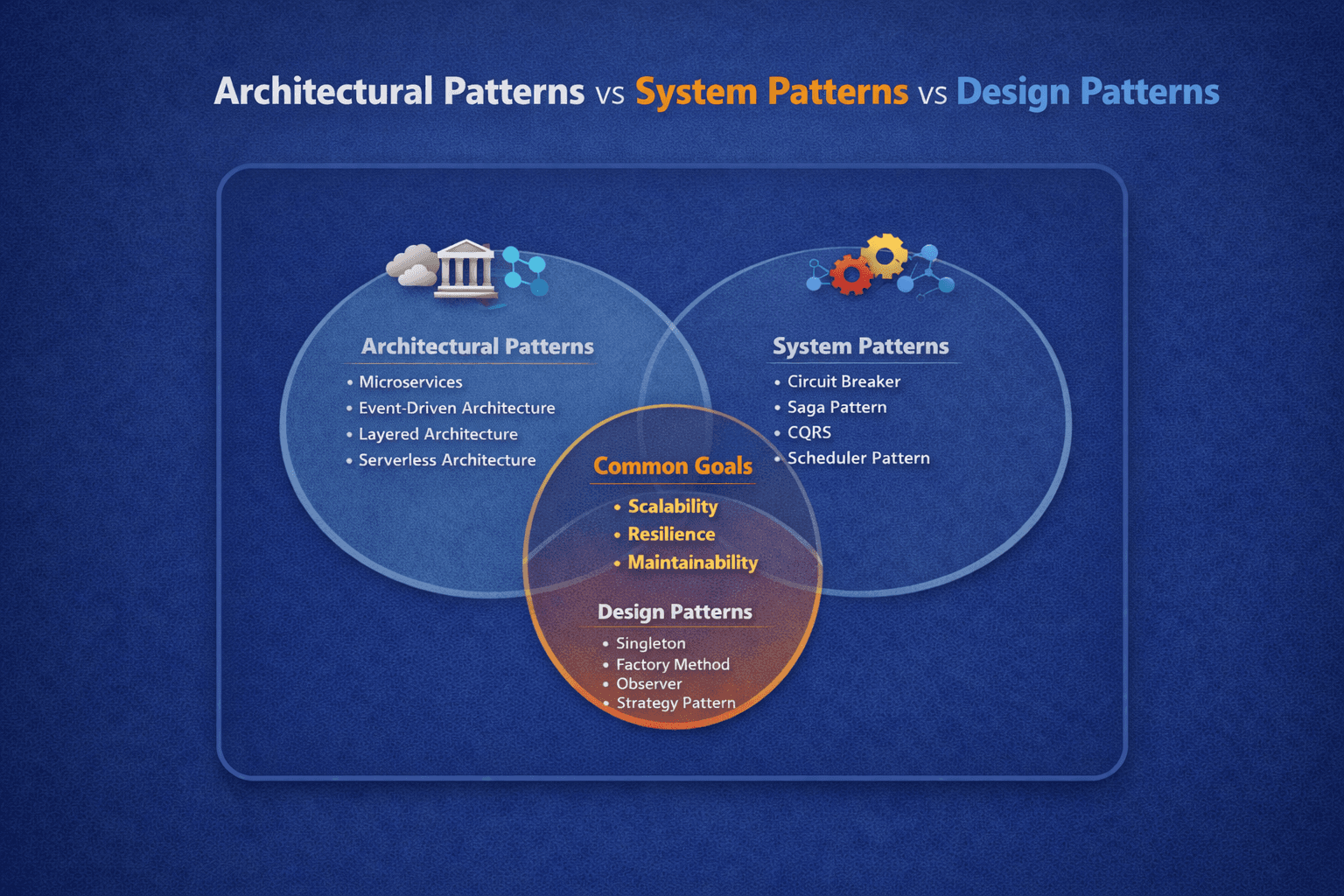
Table of Contents
- 1. What This Article Covers
- 2. How to Read Architecture Patterns
- 3. Layer 0: Internet and Client Zone
- 4. Layer 1: Deployment and Infrastructure Patterns
- 4.1 Blue-Green Deployment
- 4.2 Canary Release
- 4.3 Strangler Fig Pattern
- 4.4 Serverless / FaaS
- 4.5 Containerization
- 4.6 12-Factor App
- 5. Layer 2: Security Patterns
- 5.1 Zero Trust
- 5.2 OAuth 2.0 and OpenID Connect
- 5.3 JWT or API Key Gateway Enforcement
- 5.4 Valet Key Pattern
- 5.5 Federated Identity
- 6. Layer 3: Integration and Gateway Patterns
- 6.1 API Gateway
- 6.2 Backend for Frontend (BFF)
- 6.3 Aggregator Pattern
- 6.4 Circuit Breaker
- 6.5 Retry and Fallback
- 6.6 Adapter or Anti-Corruption Layer
- 7. Layer 4: Reliability and Scalability Patterns
- 7.1 Bulkhead
- 7.2 Rate Limiting and Throttling
- 7.3 Cache-Aside
- 7.4 Write-Through and Write-Behind
- 7.5 Read Replicas and CQRS Scaling
- 7.6 Sharding
- 8. Layer 5: Distributed Systems Patterns
- 8.1 Microservices
- 8.2 SOA
- 8.3 Service Mesh
- 8.4 Sidecar Pattern
- 8.5 Ambassador Pattern
- 8.6 Database per Service
- 9. Layer 6: Messaging and Communication Patterns
- 9.1 Event-Driven Architecture
- 9.2 Publish / Subscribe
- 9.3 Message Queue
- 9.4 Event Sourcing
- 9.5 Saga Pattern
- 9.6 Request-Reply
- 10. Layer 7: Data Management Patterns
- 10.1 CQRS
- 10.2 Polyglot Persistence
- 10.3 API Composition
- 10.4 Two-Phase Commit
- 10.5 Shared Database
- 10.6 Database per Service
- 11. Layer 8A: Backend Structural and Application Architecture
- 11.1 Layered Architecture
- 11.2 Hexagonal Architecture
- 11.3 Onion Architecture
- 11.4 Clean Architecture
- 12. Layer 8B: UI and Frontend Architecture Patterns
- 12.1 MVC
- 12.2 MVP
- 12.3 MVVM
- 12.4 Flux and Redux-Style State Flow
- 12.5 Micro Frontends
- 12.6 Islands Architecture
- 13. Cross-Cutting Patterns
- 14. How These Patterns Combine in Real Systems
- 15. How to Choose the Right Pattern
- 16. Common Mistakes
- 16.1 Copying big-company architecture too early
- 16.2 Treating patterns as mandatory
- 16.3 Ignoring organizational fit
- 16.4 Solving every problem with infrastructure
- 17. Final Takeaway
1. What This Article Covers
Architecture patterns describe how an entire system is shaped, how requests move through it, and how different concerns are separated so the software can grow without collapsing into chaos.
The HTML map you shared is best read as a top-to-bottom system journey:
- clients enter the system
- infrastructure receives traffic
- security verifies identity and access
- gateways route requests
- reliability patterns protect the platform
- distributed services coordinate work
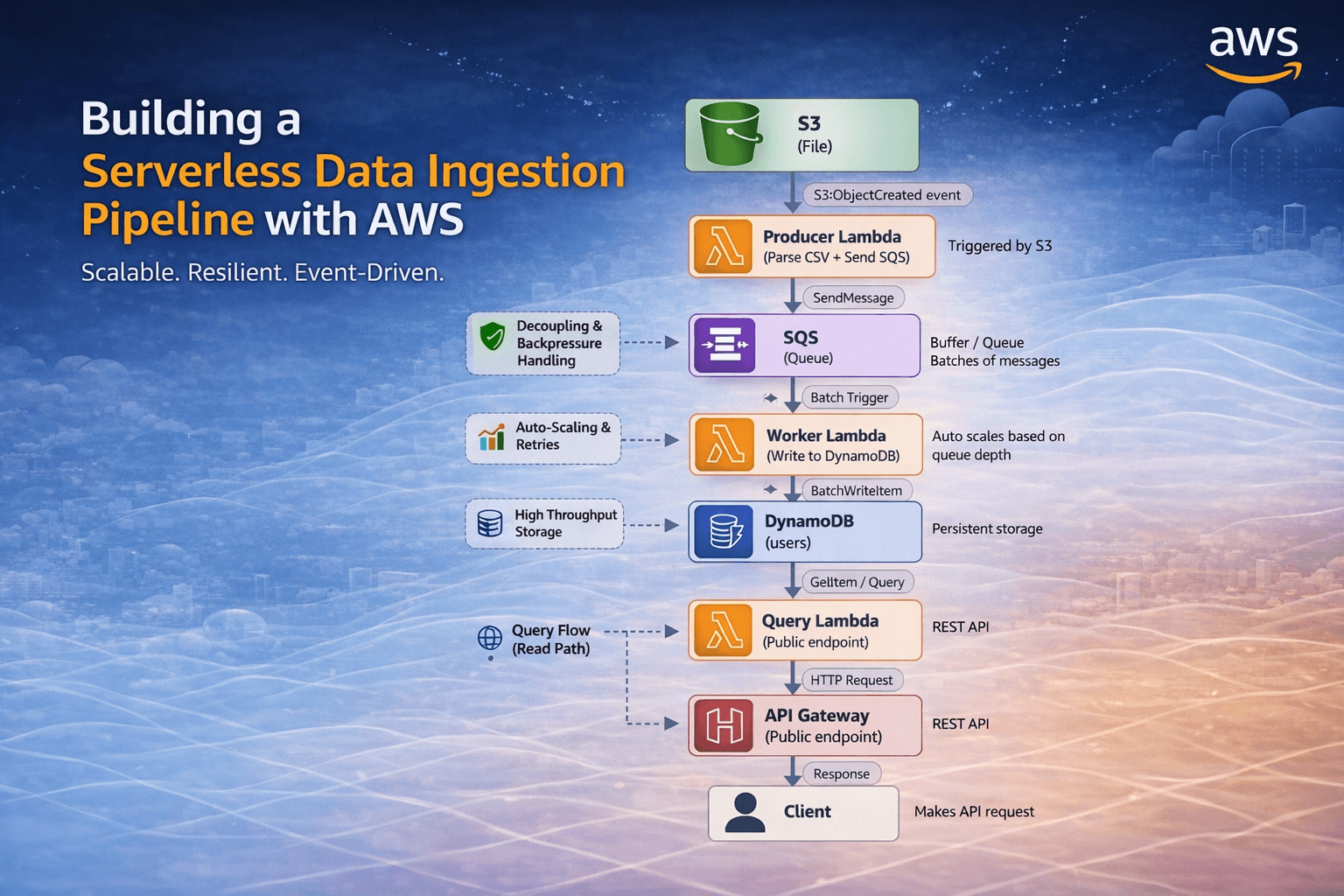
- messaging moves events and async jobs
- data patterns control storage and consistency
- application and UI patterns organize the code itself
This article turns that map into a practical written reference.
2. How to Read Architecture Patterns
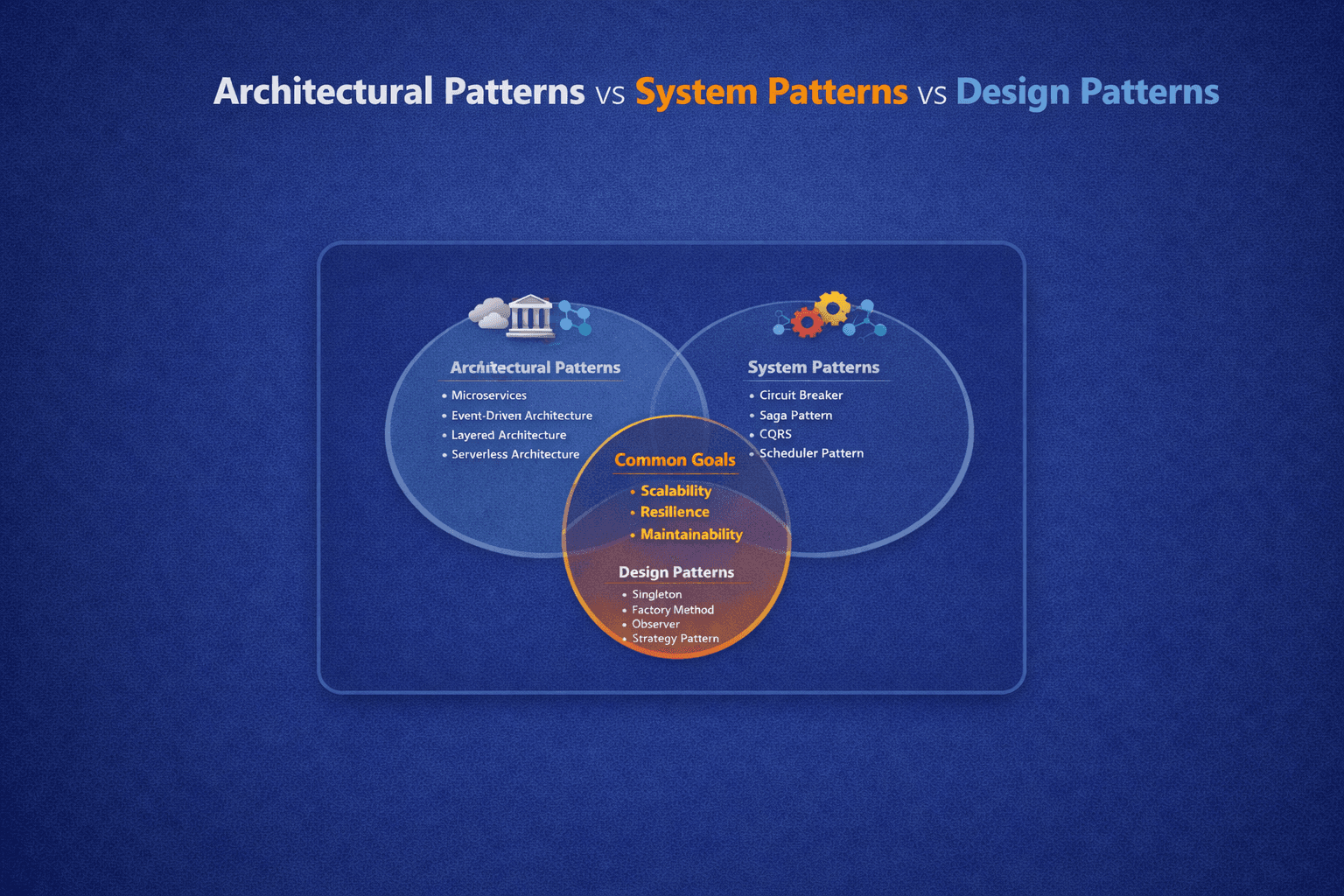
Not every pattern is at the same level.
Some patterns are:
- structural, such as Layered or Hexagonal
- operational, such as Blue-Green Deploy or Canary Release
- cross-cutting, such as Zero Trust or Rate Limiting
- data-focused, such as CQRS or Polyglot Persistence
- communication-focused, such as Pub/Sub or Saga
That is why architecture discussions often feel confusing. People use the word "pattern" to describe both code structure and production runtime behavior. Both are valid, but they solve different problems.
3. Layer 0: Internet and Client Zone
Every system starts with who is calling it.
Typical clients include:
- web browsers
- mobile apps
- partner integrations
- IoT devices
- internal services
Why this layer matters
Different clients create different pressures:
- browsers care about latency and caching
- mobile apps care about payload size and unstable networks
- partners need stable contracts and authentication
- IoT devices may use lightweight protocols like MQTT
- internal services often prioritize reliability and observability
Practical takeaway
Good architecture starts by acknowledging that not all clients should be served in exactly the same way.
4. Layer 1: Deployment and Infrastructure Patterns
These patterns decide how software is packaged, released, and operated.
4.1 Blue-Green Deployment
Blue-Green keeps two production-like environments:
- one currently serving traffic
- one ready for the next release
Traffic switches only when the new environment is verified.
Why teams use it
- safer releases
- near-zero downtime
- fast rollback
Watch out
It can be more expensive because two full environments may run at once.
4.2 Canary Release
Canary rollout sends a small percentage of traffic to the new version first.
Why it works
It limits blast radius. If something goes wrong, only a small slice of users is affected.
Best fit
Canary is great when:
- the change is risky
- traffic is high enough to observe behavior quickly
- metrics and alerting are already mature
4.3 Strangler Fig Pattern
Strangler Fig gradually replaces a legacy system piece by piece instead of rewriting everything at once.
Why it is valuable
Big-bang rewrites often fail because the old system must keep delivering value while the new one is being built.
Good fit
- monolith modernization
- endpoint-by-endpoint migration
- replacing old modules behind routing or proxy boundaries
4.4 Serverless / FaaS
Serverless moves the operational focus from managing servers to deploying functions.
Benefits
- automatic scaling
- pay-per-use economics
- low operational overhead for bursty workloads
Tradeoffs
- cold starts
- vendor-specific limits
- harder debugging for complex workflows
4.5 Containerization
Containers package application code with runtime and dependencies so the same artifact can run consistently across environments.
Why it matters
It reduces "works on my machine" problems and supports modern orchestration platforms like Kubernetes.
4.6 12-Factor App
12-Factor is less a deployment mechanism and more an operating philosophy for cloud-native software.
Key ideas include:
- config in environment variables
- stateless processes
- disposable instances
- logs as event streams
- parity between dev and prod
Why it still matters
Even today, many platform best practices are just modern expressions of 12-Factor ideas.
5. Layer 2: Security Patterns
Security is not a single layer in reality. It cuts through every layer in the system.
5.1 Zero Trust
Zero Trust assumes no request is trusted by default, even if it originates inside the network.
Core idea
Always verify:
- identity
- device or service context
- permissions
- request legitimacy
Why it matters
Perimeter-based thinking breaks down in cloud and distributed systems.
5.2 OAuth 2.0 and OpenID Connect
OAuth handles delegated authorization. OIDC adds identity on top.
Typical use cases
- login with Google
- enterprise SSO
- mobile authentication
- delegated access for APIs
Why architects care
These patterns separate identity concerns from application business logic.
5.3 JWT or API Key Gateway Enforcement
This pattern pushes authentication validation to the gateway layer.
Benefit
Services do not need to repeat the same auth validation logic over and over. They can trust validated upstream identity metadata if the platform is designed correctly.
Tradeoff
Over-centralization can hide security assumptions. Services still need authorization logic for domain-level permissions.
5.4 Valet Key Pattern
Valet Key gives a temporary scoped token so a client can access a specific resource directly.
Classic example
An app generates a signed upload URL so the browser uploads directly to object storage rather than proxying the file through the app server.
Benefit
- lower backend load
- tighter time-bound access
- reduced latency for large file transfers
5.5 Federated Identity
Federated identity allows multiple systems to trust a shared identity provider.
Best fit
- enterprise SSO
- multi-product ecosystems
- internal platform environments
6. Layer 3: Integration and Gateway Patterns
This layer governs how requests enter and how upstream clients are decoupled from internal systems.
6.1 API Gateway
API Gateway is the single entry point for many clients and services.
It often handles:
- routing
- auth checks
- rate limiting
- caching
- request shaping
- observability hooks
Why teams adopt it
It centralizes common edge concerns and simplifies client access.
Tradeoff
If it becomes too smart, it can turn into a bottleneck or a mini-monolith at the edge.
6.2 Backend for Frontend (BFF)
BFF gives each client type its own backend surface.
Why it exists
A mobile app and a web app often need different payload shapes, aggregation strategies, and response sizes.
Good fit
- one domain serving multiple client types
- frontend teams needing independent backend evolution
- reducing client-side orchestration complexity
6.3 Aggregator Pattern
An Aggregator calls several downstream services and merges the results into one response.
Why it is helpful
Without it, clients may have to make many sequential calls and understand internal service boundaries.
Tradeoff
It improves client simplicity but can create backend fan-out latency if overused.
6.4 Circuit Breaker
Circuit Breaker stops repeated calls to a failing dependency to avoid cascading failures.
Typical states
- closed: normal traffic
- open: requests blocked
- half-open: a few test requests allowed
Why it matters
It protects healthy parts of the system from unhealthy dependencies.
6.5 Retry and Fallback
Retry handles transient failure. Fallback provides a degraded but useful result if retries fail.
Good fit
- flaky network calls
- short-lived dependency blips
- reading non-critical external data
Watch out
Retries can amplify traffic and make incidents worse if they are not bounded with backoff and timeouts.
6.6 Adapter or Anti-Corruption Layer
This pattern translates between your internal domain and an external system or legacy model.
Why it is important
External systems should not dictate the shape of your core business model.
Best fit
- integrating legacy platforms
- wrapping vendor SDKs
- protecting a DDD-style core domain
7. Layer 4: Reliability and Scalability Patterns
These patterns keep systems stable under load and failure.
Like security, many of these are cross-cutting.
7.1 Bulkhead
Bulkhead isolates failure domains so one overloaded area does not bring down everything else.
Mental model
Like ship compartments, damage is contained instead of spreading.
Good examples
- separate worker pools
- isolated thread or connection pools
- infrastructure segmentation by service type
7.2 Rate Limiting and Throttling
Rate limiting controls how much traffic a caller can send over time.
Why it matters
- abuse prevention
- fairness
- platform protection
- cost control
7.3 Cache-Aside
The application checks cache first, then loads from the database on miss, then writes back into cache.
Why it is common
It is simple, explicit, and works well for read-heavy systems.
Tradeoff
The app must handle cache invalidation carefully.
7.4 Write-Through and Write-Behind
These are cache write strategies.
Write-Through
Cache and database are updated together.
Write-Behind
Cache is updated first and database persistence happens later asynchronously.
Tradeoff
Write-Behind improves throughput but increases consistency complexity.
7.5 Read Replicas and CQRS Scaling
Read replicas scale read traffic separately from writes.
When combined with CQRS, read models can be optimized independently from write workflows.
Watch out
Replica lag means reads may be slightly stale.
7.6 Sharding
Sharding partitions data horizontally across multiple nodes using a shard key.
Why it exists
At some scale, one database node cannot handle all size or traffic requirements.
Cost
Sharding can complicate queries, balancing, and operational workflows significantly.
8. Layer 5: Distributed Systems Patterns
These patterns describe how services are organized across machines and boundaries.
8.1 Microservices
Microservices split a system into small independently deployable services, each owning a bounded responsibility.
Benefits
- team autonomy
- independent deployments
- fault isolation
- technology flexibility
Tradeoffs
- operational complexity
- distributed data challenges
- harder debugging
- network overhead
8.2 SOA
Service-Oriented Architecture uses larger, more coarse-grained services, often coordinated through a central bus or enterprise integration layer.
Difference from microservices
SOA usually emphasizes enterprise integration and shared infrastructure more heavily than modern microservices.
8.3 Service Mesh
A service mesh moves service-to-service networking concerns into infrastructure proxies.
It commonly handles:
- mTLS
- retries
- traffic shaping
- tracing
- policy enforcement
Why teams choose it
It standardizes network behavior across many services.
Watch out
It adds operational complexity and is not free. Small systems usually do not need it.
8.4 Sidecar Pattern
A sidecar runs alongside the main application instance and handles supporting concerns.
Examples
- log forwarding
- proxying
- certificate refresh
- config syncing
8.5 Ambassador Pattern
Ambassador is a specialized proxy pattern where a helper handles outbound communication concerns for the app.
Benefit
The application stays focused on business logic while the ambassador manages network policies, retries, and connectivity details.
8.6 Database per Service
Each service owns its own data store and other services do not access it directly.
Why it matters
This is one of the strongest boundaries in microservice architecture because it prevents tight data coupling.
9. Layer 6: Messaging and Communication Patterns
This layer is about how services communicate, especially asynchronously.
9.1 Event-Driven Architecture
In event-driven systems, producers emit events and consumers react independently.
Why it is powerful
It reduces direct coupling and supports reactive workflows.
Tradeoff
Observability becomes more important because flows are less linear than request-response systems.
9.2 Publish / Subscribe
Publishers send messages to topics. Subscribers consume from those topics independently.
Best fit
- fan-out notifications
- multiple independent consumers
- loosely coupled event processing
9.3 Message Queue
A queue decouples producers from consumers and buffers work for later processing.
Why it is useful
- absorbs spikes
- smooths workload
- supports retries
- enables background processing
9.4 Event Sourcing
Event Sourcing stores every state-changing event rather than only the latest state.
Benefits
- complete audit history
- state reconstruction
- natural fit for temporal analysis
Tradeoff
It increases complexity and usually requires discipline around schema evolution and event design.
9.5 Saga Pattern
Saga manages long-running distributed transactions by coordinating local transactions and compensating actions.
Why it matters
In microservices, classic ACID transactions rarely span multiple services cleanly. Saga offers a more realistic model.
Two common styles
- choreography: services react to events
- orchestration: a coordinator drives the process
9.6 Request-Reply
This is the classic synchronous interaction model behind REST, RPC, and many GraphQL operations.
Why it still matters
Even systems rich in events still rely heavily on request-reply for commands, reads, and user-facing interactions.
10. Layer 7: Data Management Patterns
Data patterns are where many architecture decisions become expensive or irreversible, so this layer deserves real care.
10.1 CQRS
CQRS separates command handling from query handling.
Why it exists
The ideal model for writes is not always the ideal model for reads.
Best fit
- complex write business rules
- heavy read traffic
- denormalized read views
Watch out
CQRS is not automatically a good idea for simple CRUD apps.
10.2 Polyglot Persistence
Polyglot Persistence means using different storage technologies for different needs.
Why it works
Not all data behaves the same way. Relationships, caching, search, graph traversal, and document storage all benefit from different tools.
Tradeoff
Operational overhead grows with every added data technology.
10.3 API Composition
API Composition joins data from multiple services at the API layer rather than joining across databases directly.
Benefit
It preserves service ownership boundaries while still supporting combined views for clients.
10.4 Two-Phase Commit
2PC coordinates a distributed transaction through prepare and commit phases.
Why it exists
It tries to achieve atomicity across multiple participants.
Why many teams avoid it
It can be slow, complex, and brittle in highly distributed environments. Modern microservices often prefer Saga-style compensation instead.
10.5 Shared Database
Multiple services use the same database.
Why teams still do it
It is simple at first and can speed up early delivery.
Cost
It creates hidden coupling, schema coordination pain, and weak service boundaries.
10.6 Database per Service
This pattern appears again here because it is both a distributed-systems decision and a data-management decision.
Why it is important
It protects ownership boundaries and enables independent evolution of service data models.
11. Layer 8A: Backend Structural and Application Architecture
These patterns define how the inside of an application is organized.
11.1 Layered Architecture
Layered architecture separates presentation, business logic, data access, and persistence.
Why it is popular
- easy to understand
- easy to teach
- familiar in enterprise systems
Tradeoff
Strict layers can become rigid and sometimes encourage anemic domain models.
11.2 Hexagonal Architecture
Hexagonal, also called Ports and Adapters, keeps core logic isolated from external systems.
Core idea
The domain defines ports. Infrastructure implements adapters.
Why teams like it
- testability
- framework independence
- cleaner boundaries
11.3 Onion Architecture
Onion architecture places the domain at the center and forces dependencies inward.
Why it matters
It protects business rules from infrastructure churn.
11.4 Clean Architecture
Clean Architecture organizes code into concentric rings where outer layers depend on inner layers, never the other way around.
Strong benefit
Frameworks, databases, and delivery mechanisms can change without forcing the core business rules to change with them.
12. Layer 8B: UI and Frontend Architecture Patterns
Frontend systems have their own architectural patterns because UI state, rendering, and interaction create special design pressures.
12.1 MVC
MVC separates model, view, and controller responsibilities.
Why it lasted so long
It created a shared vocabulary for server-rendered and interactive UI systems.
12.2 MVP
MVP makes the view more passive and gives the presenter more control over application logic.
Good fit
It is useful where view logic should remain extremely thin.
12.3 MVVM
MVVM centers on a view model and often uses data binding to keep view and state synchronized.
Why it is popular
It works well in rich client applications with interactive state and declarative binding systems.
12.4 Flux and Redux-Style State Flow
Flux-style patterns enforce one-way data flow.
Why it matters
Predictability improves when state changes happen through explicit actions and reducers.
12.5 Micro Frontends
Micro Frontends split a frontend into independently owned and deployable parts.
Best fit
- large organizations
- many teams
- platform-scale products
Tradeoff
Without strong governance, UX consistency and bundle control can degrade quickly.
12.6 Islands Architecture
Islands architecture ships mostly static HTML and hydrates only the interactive parts.
Why it matters
It can dramatically reduce client-side JavaScript and improve performance.
Best fit
- content-heavy sites
- performance-sensitive marketing pages
- pages with a few localized interactive widgets
13. Cross-Cutting Patterns
Some patterns do not belong neatly to one row because they influence the whole system.
The biggest cross-cutting patterns in your map are:
- security patterns like Zero Trust and OAuth
- resilience patterns like Circuit Breaker and Bulkhead
- performance patterns like caching and rate limiting
- observability-adjacent operational patterns that support release safety and debugging
This is an important insight: the most valuable architecture decisions are often the ones that apply everywhere, not just in one module.
14. How These Patterns Combine in Real Systems
A realistic modern platform might look like this:
- browser and mobile app call a gateway
- gateway validates JWTs and applies rate limiting
- BFF or aggregator shapes client-specific responses
- requests fan into microservices
- services communicate through request-reply and events
- circuit breakers and retries guard dependency calls
- queues absorb async work
- CQRS and replicas optimize reads
- database-per-service enforces boundaries
- internal service code uses Hexagonal or Clean Architecture
This is why architecture patterns are more useful as a map than as isolated definitions.
15. How to Choose the Right Pattern
Use these questions:
- Is the problem about deployment, communication, data, or code structure?
- Is this a cross-cutting concern or a local one?
- Are we solving current complexity or imagined future complexity?
- What operational cost does this pattern introduce?
- Does this pattern fit our team size and delivery maturity?
The right pattern for a five-person product team is often very different from the right pattern for a company running hundreds of services.
16. Common Mistakes
16.1 Copying big-company architecture too early
Microservices, service mesh, CQRS, and event sourcing are powerful, but they are expensive in both tooling and team discipline.
16.2 Treating patterns as mandatory
Patterns are tools, not achievement badges.
16.3 Ignoring organizational fit
Architecture succeeds when team structure, operations, ownership, and deployment practices support it.
16.4 Solving every problem with infrastructure
Sometimes a simpler application boundary is more valuable than adding another platform layer.
17. Final Takeaway
Architecture patterns give us a language for reasoning about systems at multiple scales:
- how software is released
- how traffic enters
- how trust is enforced
- how services cooperate
- how data stays consistent
- how code remains maintainable
The most practical lesson is this:
Start with the simplest pattern set that fits your real constraints, then evolve deliberately.
A system does not become well-architected by having the most patterns. It becomes well-architected when the chosen patterns make change, scale, and failure easier to handle.